· Products · 2 min read
Share Jira Work Items and Boards instantly - no licenses or accounts required
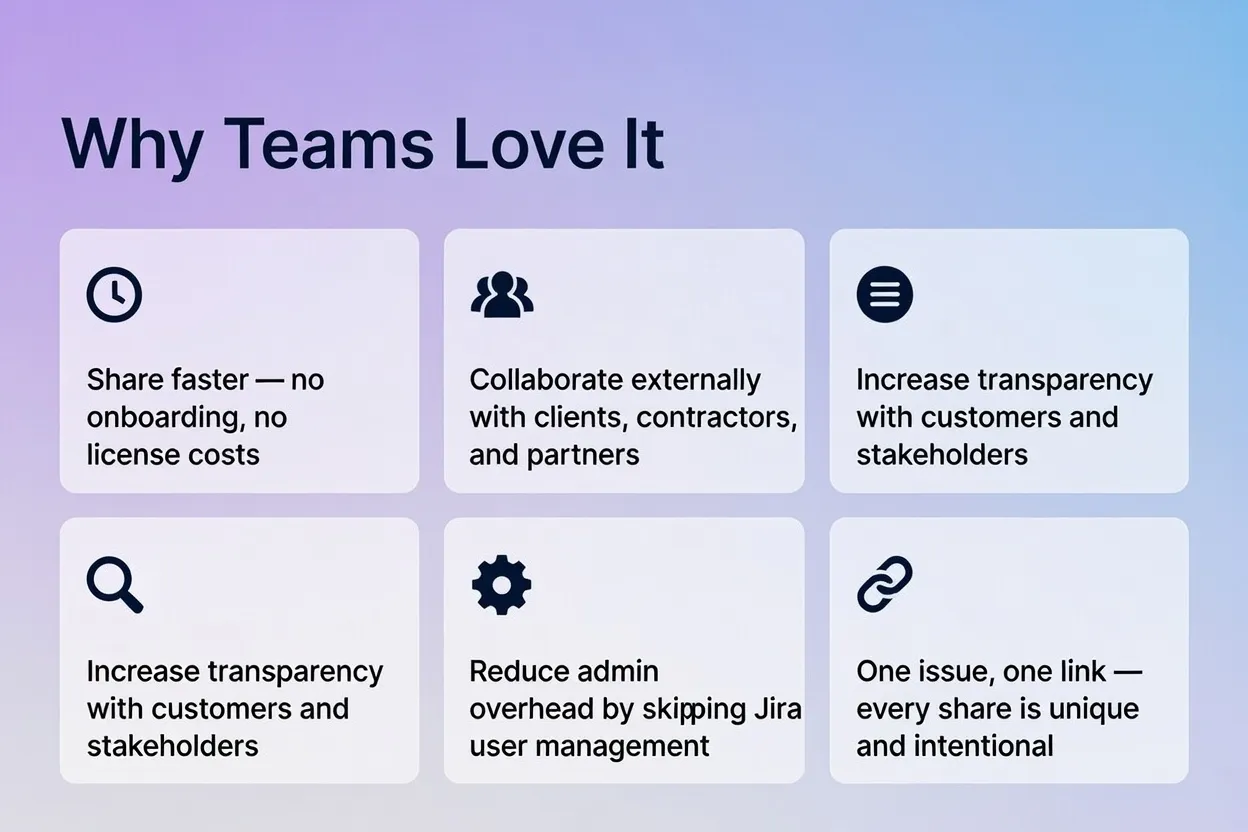
Share Jira Work Items and Boards with anyone, without a Jira account. Generate a public link for a single item or board and give external users read-only access to it.
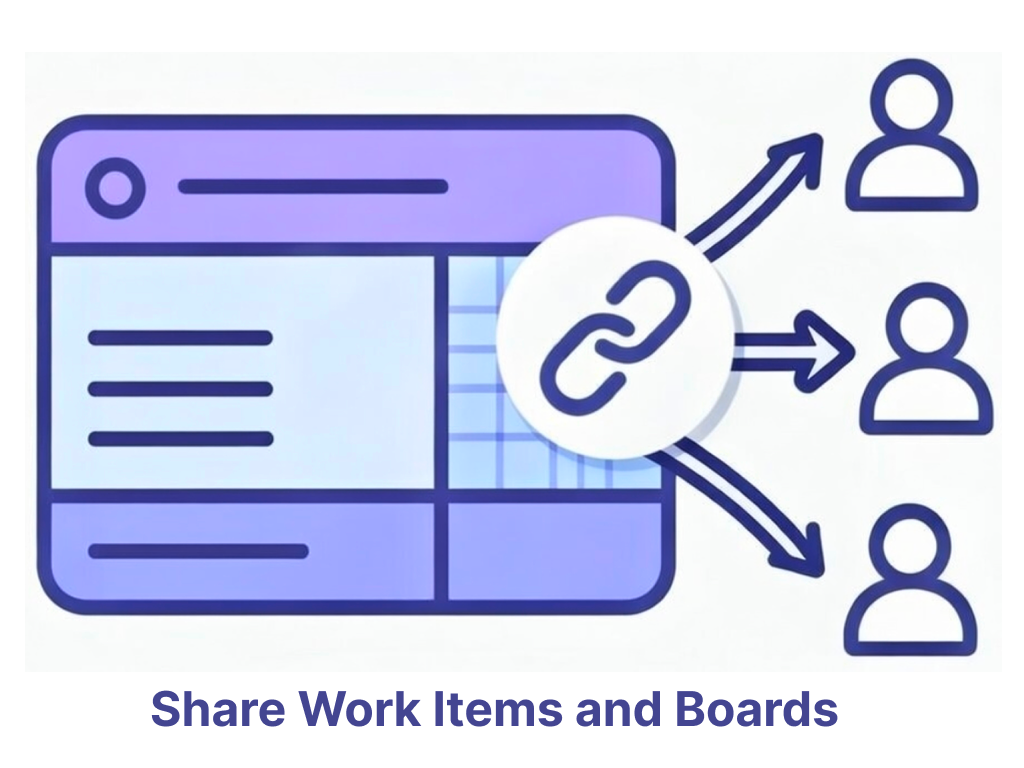
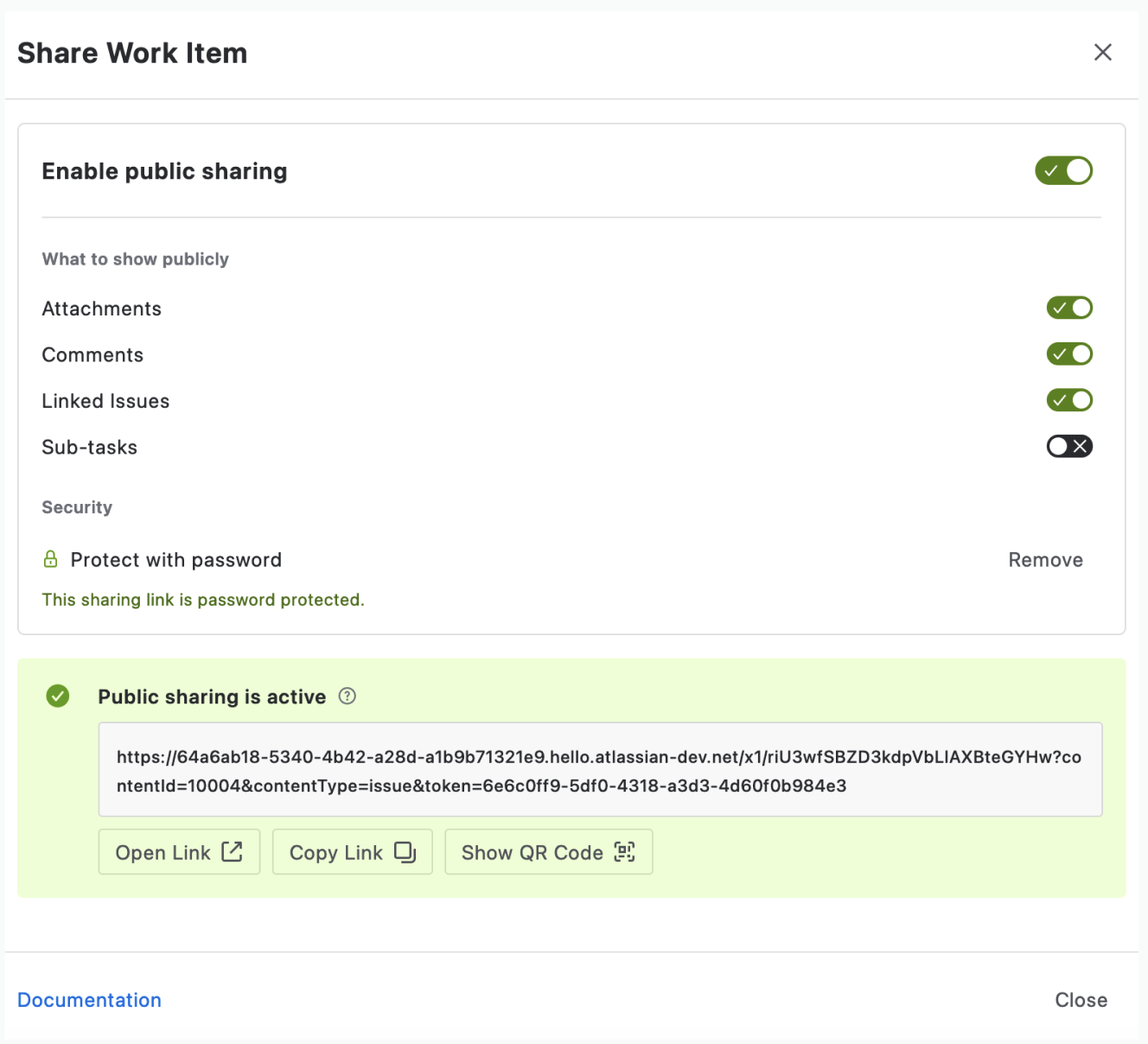
FreeView generates a public link for a single Jira Work Item or Board. Anyone you send it to can open that one item, read-only, without a Jira account, a license, or a permission change on your side. Each share creates a new link that grants access to that content and nothing else.
How it works
- Open the Jira Work Item or Board you want to share
- Go to Issue Actions
- Select Share Public Link
- Send the link to the recipient
Anyone with the link can view the Work Item or Board content without logging in to Jira.
Security by design
The app is built entirely on Atlassian Forge and runs inside Atlassian’s cloud infrastructure. It never sends data to external services, so there is no data egress outside the Atlassian ecosystem and no third-party host holding your Jira content.
Typical use cases
Client collaboration. Share bugs, feature requests, and statuses with clients without giving them Jira access or adding them as users.
Vendors and contractors. Give designers, developers, or QA contractors access to specific Work Items or Boards only, without adding them to projects or configuring roles.
Customer support and escalations. Send a customer a direct link to their ticket instead of pasting status updates into email threads.
Executives and stakeholders. Share key Work Items, risks, or blockers without exposing entire projects or boards.
Incident response and postmortems. Share a live incident item with external responders, then reuse the same link in the write-up.
Cross-company collaboration. Work with partners or other organizations without syncing Jira instances or creating external accounts.
Documentation and reporting. Embed public links in wikis, runbooks, and reports so readers always see the current state.
Audits and reviews. Give auditors or reviewers read-only access to the relevant items without creating user accounts.
Get started
Install the app from the Atlassian Marketplace. There is no setup step: install it, open an item, and share the link.