· For Developers · 4 min read
Why Atlassian Forge Is the Best Way to Build Jira & Confluence Apps Today
For years, building apps for Jira and Confluence meant dealing with Atlassian Connect, external servers, complex authentication, and endless infrastructure chores.

Atlassian Forge changes that.
Forge is a serverless, fully managed development platform built by Atlassian. It removes the infrastructure work, handles most of the security model for you, and lets you spend your time on features instead of on running systems. In practice, that means far less between an idea and a working prototype.
Top Advantages of Atlassian Forge
1. Zero infrastructure: no servers, no DevOps
Forge runs your backend code in Atlassian’s own serverless environment. No servers to maintain, no SSL certificates, no hosting bills, no containers. You deploy code, not infrastructure.
Example: Let’s say you want a scheduled job that checks Jira issues every 30 minutes and posts a summary to Slack.
With Connect, you’d need:
- your own backend server
- API authentication setup
- monitoring
- secure hosting
With Forge, the entire solution fits in a single function:
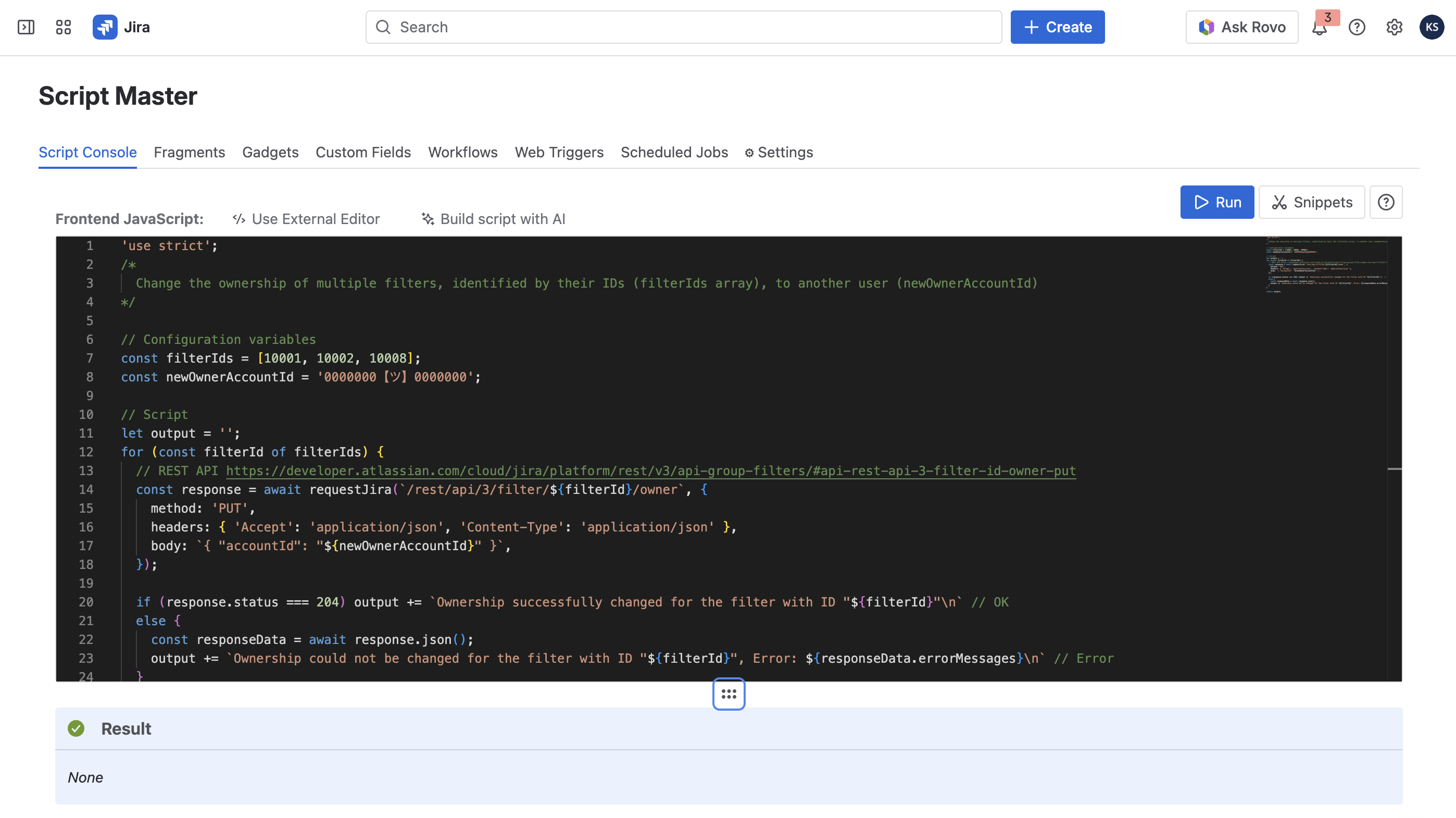
import api, { schedule } from '@forge/api';

export const run = schedule('0 */30 * * * *', async () => {
  const response = await api.asApp().requestJira('/rest/api/3/search?jql=project=TEST');
  const data = await response.json();

  await api.fetch('https://slack.com/api/chat.postMessage', {
    method: 'POST',
    body: JSON.stringify({
      channel: 'C12345',
      text: `Total issues in TEST project: ${data.total}`,
    }),
    headers: { 'Content-Type': 'application/json' },
  });
});
That’s it. No DevOps setup whatsoever.
2. Enterprise-grade security built-in
Forge rides on Atlassian’s zero-trust architecture:
- isolated secure sandbox
- permissions declared in the manifest
- OAuth handled automatically
- no exposed secrets
- automatic security patches
That cuts down both the risk and the compliance paperwork.
Real-world example: A company building a Connect app discovered their banking clients rejected any solution requiring external servers. Migrating to Forge resolved the objection: Forge apps run inside Atlassian’s cloud, not on a vendor’s server.
3. Fast UI development - Custom UI + UI Kit
Forge provides two UI models:
- UI Kit - native Atlassian components
- Custom UI - a full React app running inside Jira/Confluence
Example (React Custom UI)
import { invoke } from '@forge/bridge';

export default function App() {
  const [issues, setIssues] = useState([]);

  useEffect(() => {
    invoke('getIssues').then(setIssues);
  }, []);

  return (
    <div>
      <h2>Project Issues</h2>
      {issues.map((issue) => (
        <p key={issue.id}>
          {issue.key}: {issue.fields.summary}
        </p>
      ))}
    </div>
  );
}
Backend resolver:
import api from '@forge/api';

export const getIssues = async () => {
  const res = await api.asApp().requestJira('/rest/api/3/search?jql=project=TEST');
  return await res.json();
};
This gives you a native-feeling UI fully embedded inside Jira.
4. Deep native integration with Atlassian products
Forge code runs “inside” Jira and Confluence, which means:
- direct access to Jira/Confluence APIs
- actions and UI elements embedded anywhere
- no external auth flows
Example: a custom button inside a Jira issue panel
manifest.yml:
modules:
  jira:issuePanel:
    - key: example-panel
      function: panel-function
      title: 'Create Confluence Page'
UI Kit code:
export const run = () => {
  return (
    <Button
      text="Create Confluence Page"
      onClick={async () => {
        await api.asApp().requestConfluence({
          method: 'POST',
          url: '/wiki/rest/api/content',
          body: JSON.stringify({
            title: 'Automatically generated',
            type: 'page',
            space: { key: 'DOC' },
          }),
        });
      }}
    />
  );
};
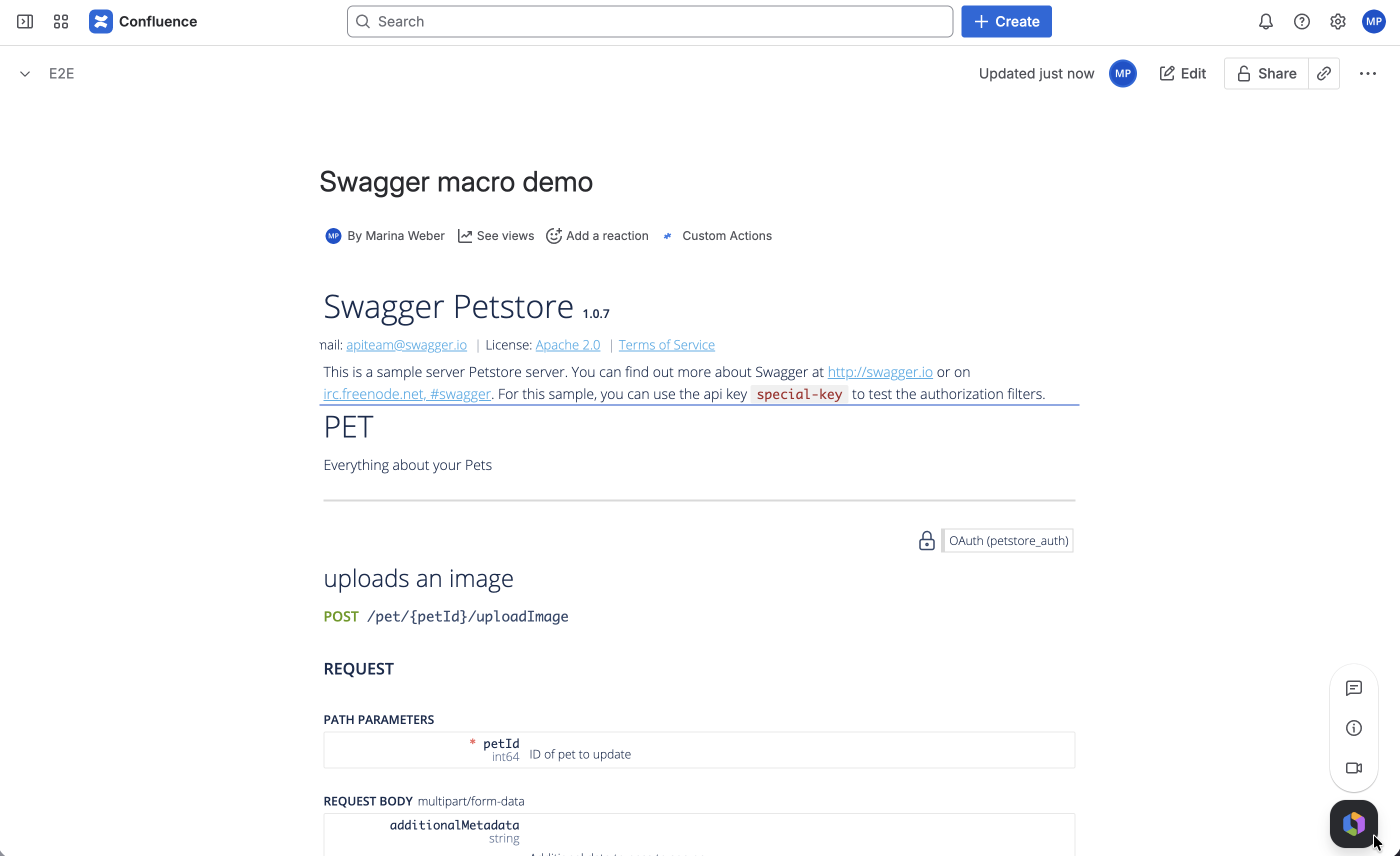
A new Confluence page, created from inside the Jira issue view.
5. Instant deployments and built-in environments
Forge provides:
- instant deploys (
forge deploy) - one-command installation into a Jira/Confluence site
- built-in environments (development, staging, production)
- built-in secret storage
Sharing your app with teammates takes seconds, not hours.
6. Marketplace monetization without extra infrastructure
Forge apps can be sold on the Atlassian Marketplace with the same revenue model as Connect.
Because Atlassian hosts everything, operational costs drop close to zero. That means higher margins, and a much lower barrier for solo developers and small startups.
What You Can Build on Forge (Real Use Cases)
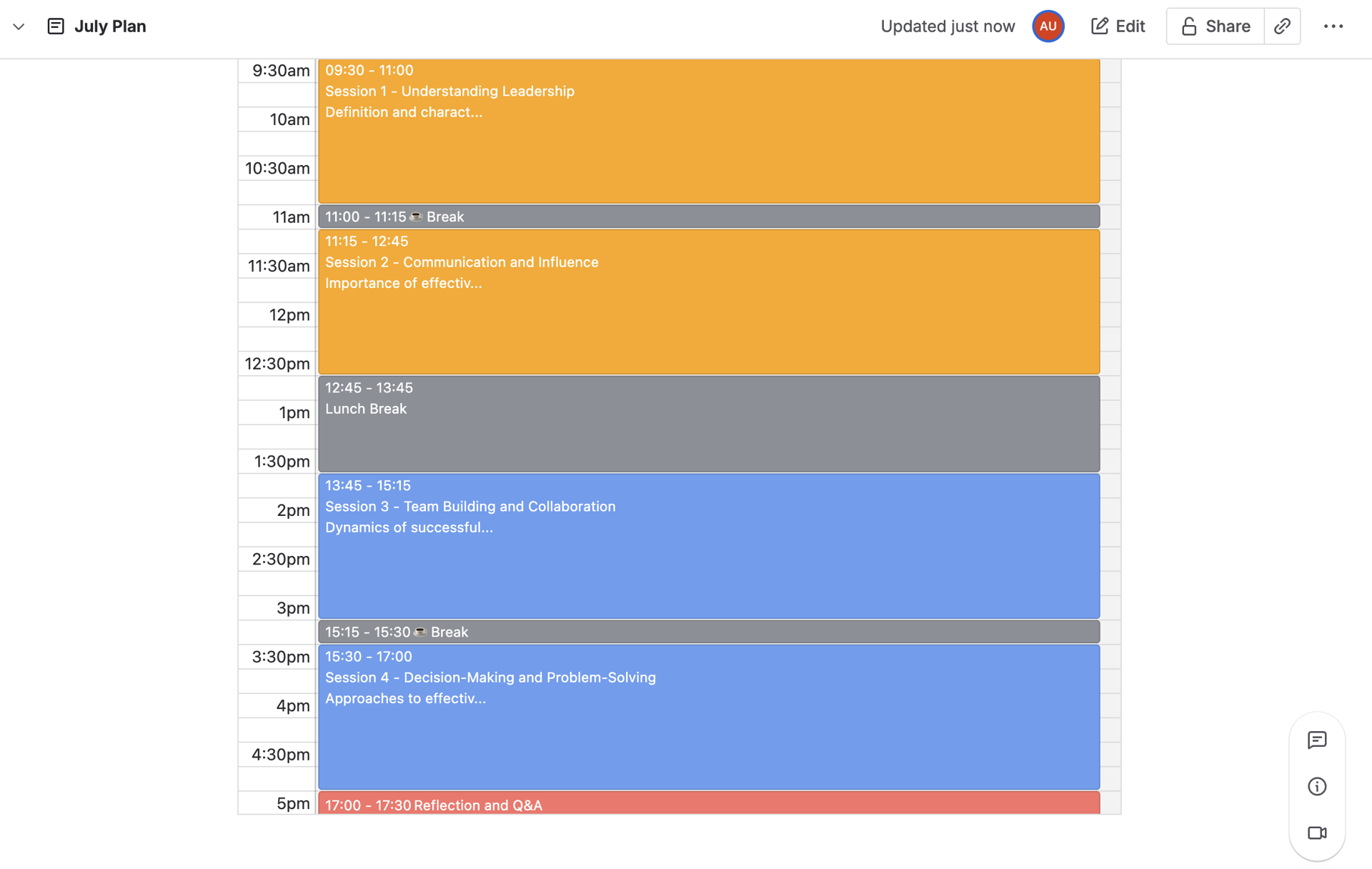
- Auto-generate Confluence documentation from Jira issues
- Interactive dashboards built with React
- Integrations with external APIs without external servers
- Scheduled background jobs (cron-style automation)
- New UI extensions: sidebars, issue panels, workflow validators
Things that used to require a backend server no longer do.
When Forge Is the Best Choice
| Scenario | Why Forge Wins |
|---|---|
| You don’t want to maintain servers | Serverless, fully hosted |
| You need high security & compliance | Atlassian-managed sandbox |
| You want fast delivery | Deploy in seconds |
| You require deep Jira/Confluence embedding | Native integration |
| You plan to sell apps | Requires no infrastructure to support |
Conclusion
Forge is a managed platform rather than just another app framework. It removes the infrastructure work, ships with Atlassian’s security model, integrates directly with Jira and Confluence, and keeps Marketplace publishing simple.
If you build for the Atlassian ecosystem, it is the option with the least overhead and the longest runway.